Make a passport, visa or ID photo at home. Kadrid sets the exact size, replaces the background and checks the photo against the official requirements before you print or upload it.
iPhone, iPad and MacPhotos never leave your deviceNo subscription
No studio, no photo booth. A plain wall and daylight from a window are enough. Drag the handle to see what Kadrid changes.
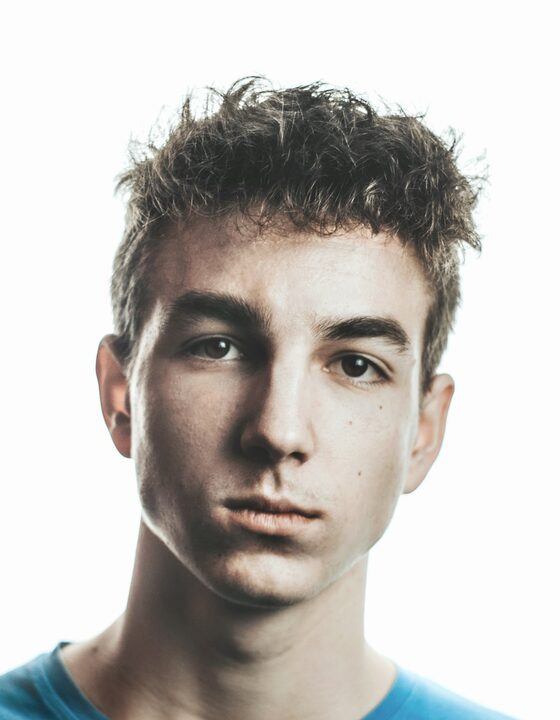 TiltedSide shadowBeige wall
CentredEven lightWhite background
Illustration · before and after
Passport, visa or ID card: over 60 formats for 60+ countries, or your own size.
On-screen hints help you stand right. Or open a photo you already have.
The head is sized and centred, the background replaced, and every rule checked.
Print a sheet at exact size, or save a file for an online application.
A photo that looks fine can still be refused. Kadrid measures it the way the rules are written and tells you what to fix in plain words. Some problems are fixed with one tap.
34 mm · rule 32–36PASSstraightPASSevenPASS#FFFFFFPASSopen · neutralPASSnonePASSsharpPASScontrast okPASSAny wall works. The background is replaced with the required colour, with careful hair edges.
Print sheets for 10×15 cm, 4×6 in, 13×18 cm, A4 and US Letter at home or at a photo kiosk. A printer test page confirms the scale with a ruler.
Photos are processed on your device. Nothing is uploaded, no account is needed, and there is no tracking.
Files with the pixel size and file size each portal asks for.
Even out side light, adjust brightness, and touch up the outline with a brush when a detail needs it.
Shoot on the phone with guidance, or work on a large screen. On a Mac, use your iPhone as the camera.
A child mode relaxes the rules the way most authorities do for infants. If a document is missing, add your own size, head height and background colour.
Every country asks for something slightly different. These are a few of the formats in Kadrid, shown at their real proportions.
Every feature works without paying. Photos you save or print carry a watermark until you remove it. There is no subscription.
Everything Kadrid does, to see whether your photo passes.
Two days without the watermark. Enough for the whole family's photos.
No watermark ever. For families and photo studios.
Prices are shown in the app, in your currency.
Kadrid checks a photo against the published requirements of each document, which catches the usual reasons for refusal. It cannot guarantee acceptance: the final decision is made by the issuing authority.
No. Face detection, background replacement and all checks run on your iPhone, iPad or Mac. Nothing is uploaded and no account is needed. See the Privacy Policy.
Yes. Save the sheet as a JPEG for a 10×15 cm (4×6 in) print and order it without cropping. At home, print at 100 % scale; the printer test page lets you confirm the size with a ruler.
Yes. Switch on “Baby or young child” and the checks allow closed eyes, an open mouth and a slight tilt, as most authorities do for infants.
Add your own format with any size, head height and background colour. If you send us a link to the official requirements, we will add the format for everyone.
It removes the watermark for 48 hours from the moment of purchase, for every photo and format. It does not renew and nothing is charged afterwards.
Take the photo at home, see at once whether it meets the rules, and print or upload it the same minute.
Coming soon to the App Store Kadrid